Your screen on the TV, without the lag.
Frames are encoded on your Mac's media engine, encrypted with a fresh key every session, and played out within a fraction of a second.

 Newton
Get it free
Newton
Get it free
Free for early users on macOS
Newton keeps your Mac awake, casts your screen to the TV and carries files to your phone.
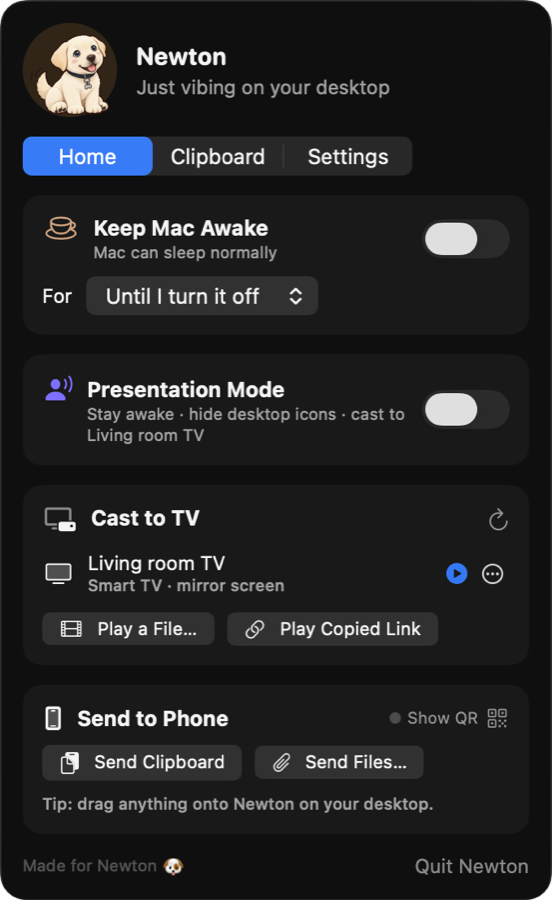
 Hanging out
 Keeping you awake
 Casting to TV
 Running to your phone
 Watching your clipboard
 PresentingMovie night
 Napping
One switch keeps your Mac and its display awake, for half an hour or until you say stop.
Frames are encoded on your Mac's media engine, encrypted with a fresh key every session, and played out within a fraction of a second.
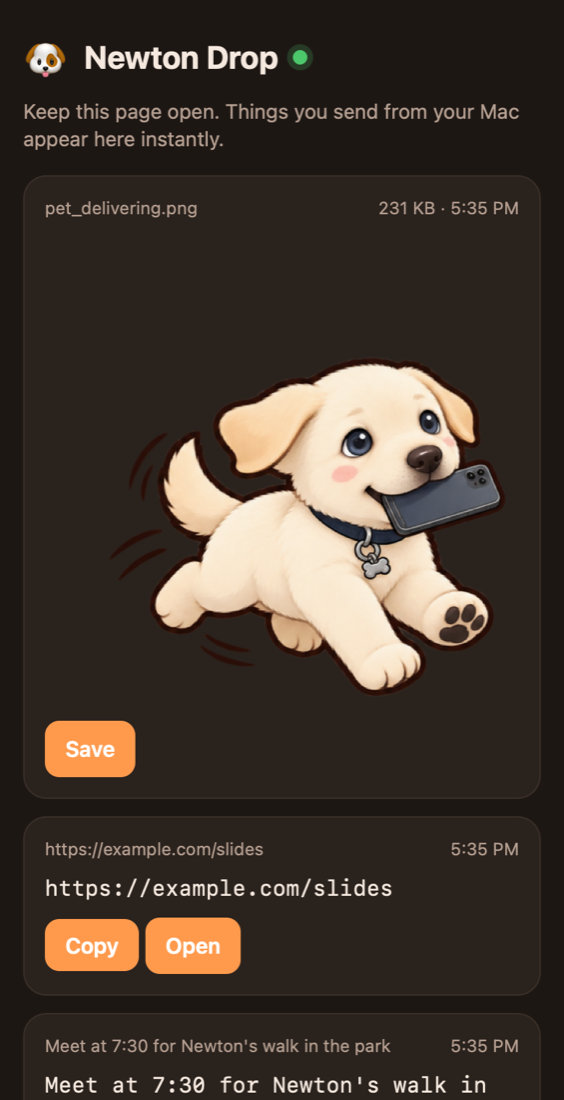
A private page on your Wi-Fi. Keep it open and things just arrive.
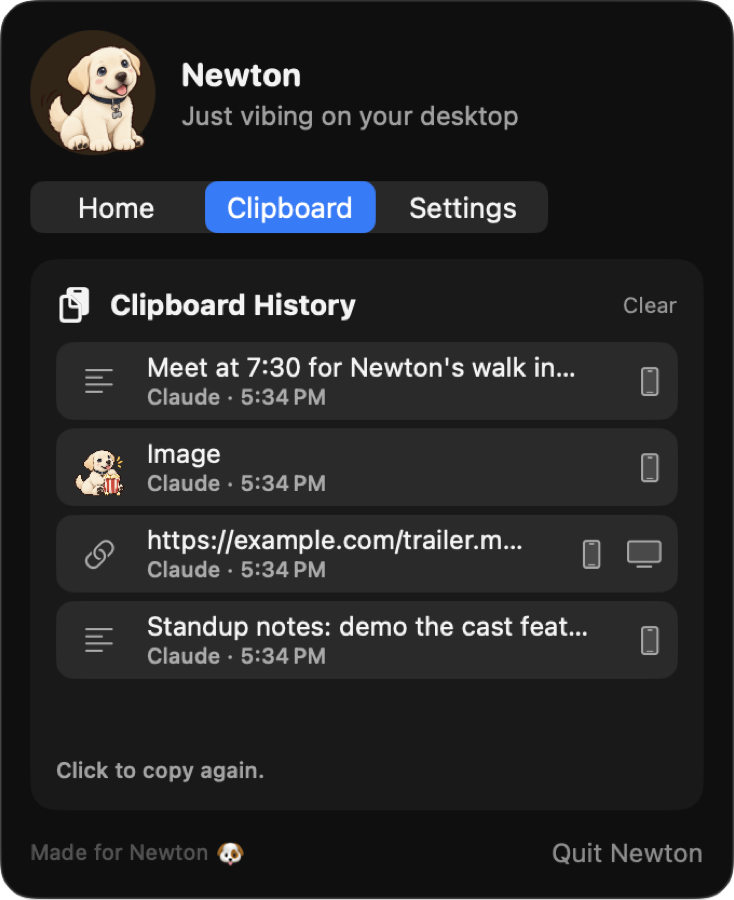
No accounts, no cloud. Phone links are secret and expire, and nothing casts to a TV you didn't pick.
Mochi the cat is one setting away. Each companion keeps its own name and moods.

He's free while he's in early access. Enter your email and the download starts right away.
We only use your email for Newton updates. No spam, never shared, and you can ask us to delete it anytime.
For macOS 14 Sonoma or later on Apple silicon.